Digital Company Seal Download for PDF & Online Documents
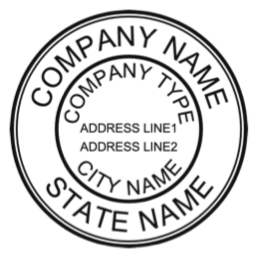
Company Seal/Stamp
|







|

|
Download Digital Company Seal
Download and use the digital seal on PDF files, invoices, contracts, and online documents.
Recommended Payment Gateway for Laptop/PC |
Pay 15 USD to remove the watermarks |
Recommended Payment Gateway for Mobiles/Mac |
Pay 15 USD to remove the watermarks |
Digital seal on PDF , WORD , Pages , Email , PPT, Excel, Images or Photos
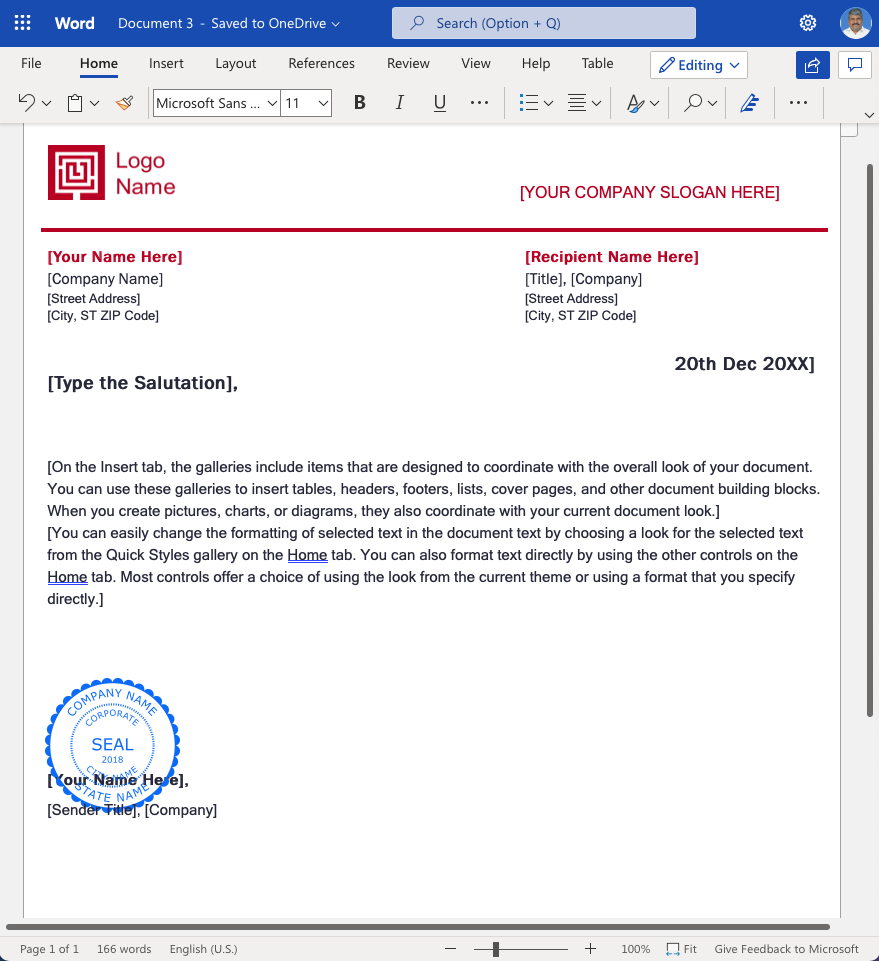
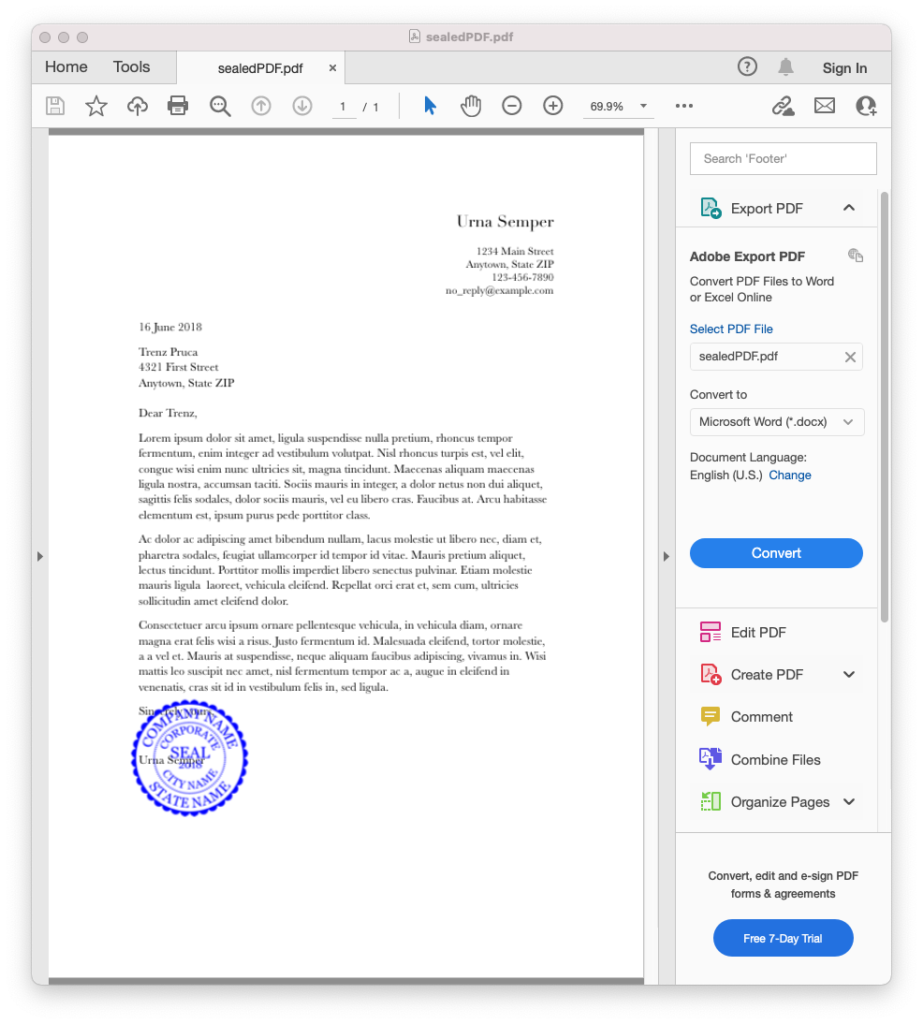
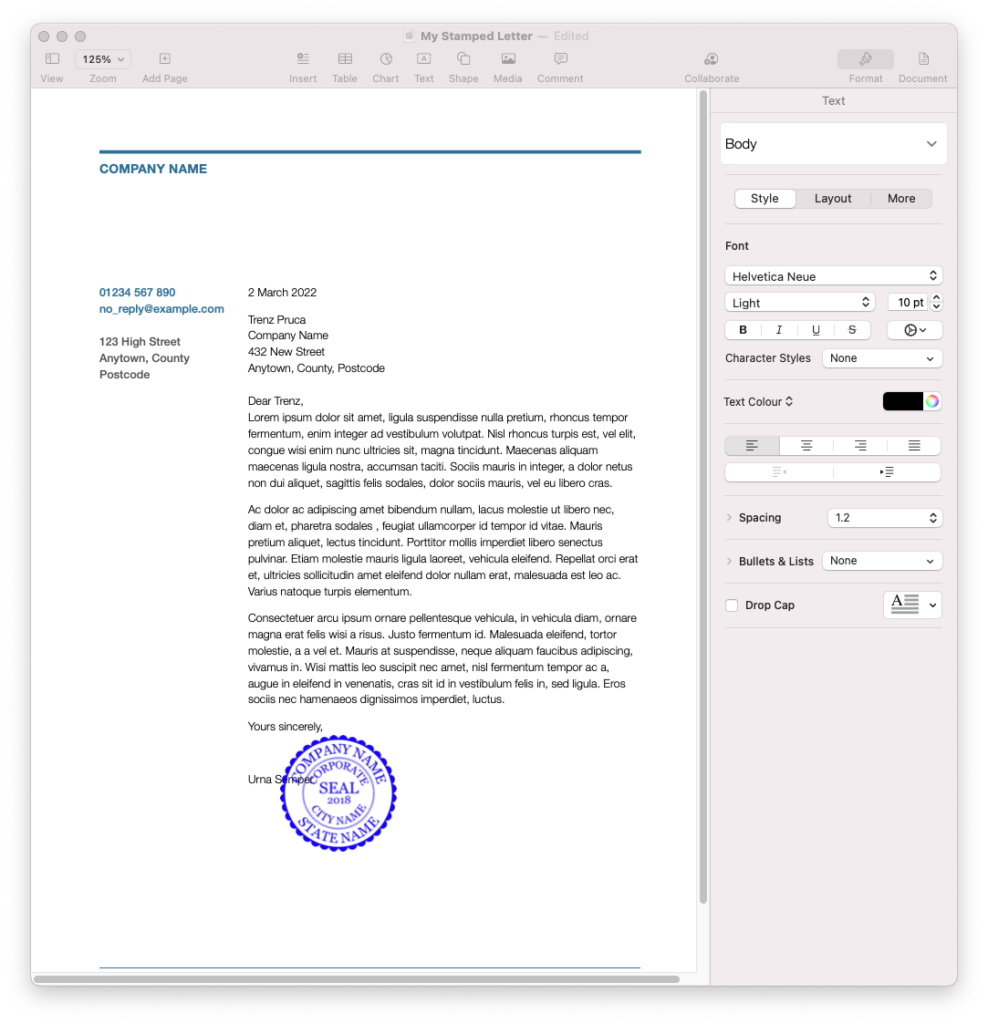
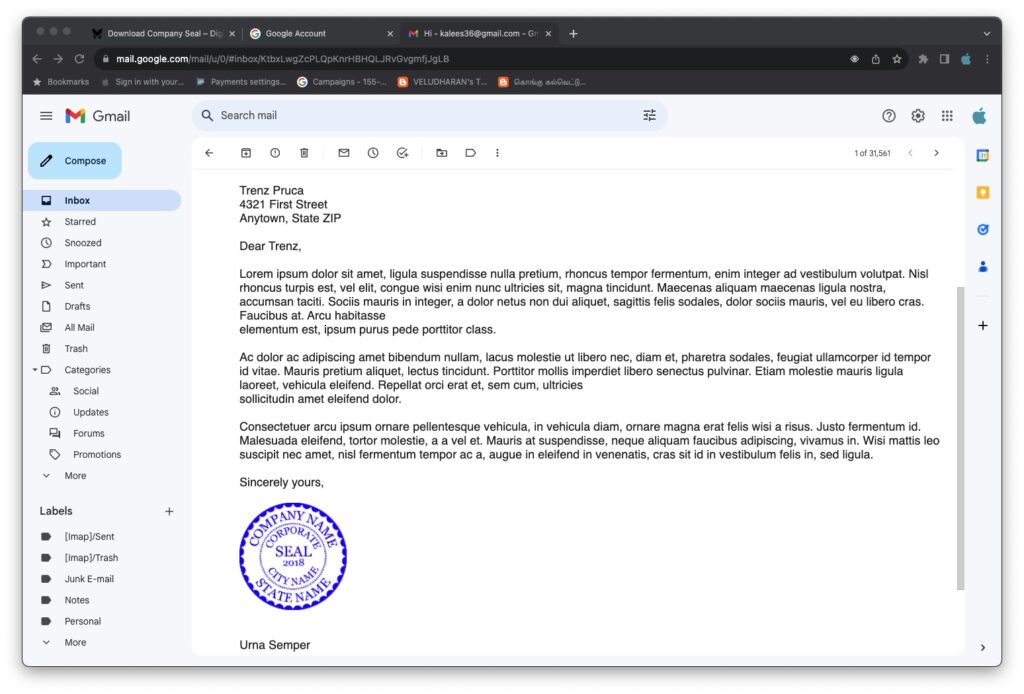
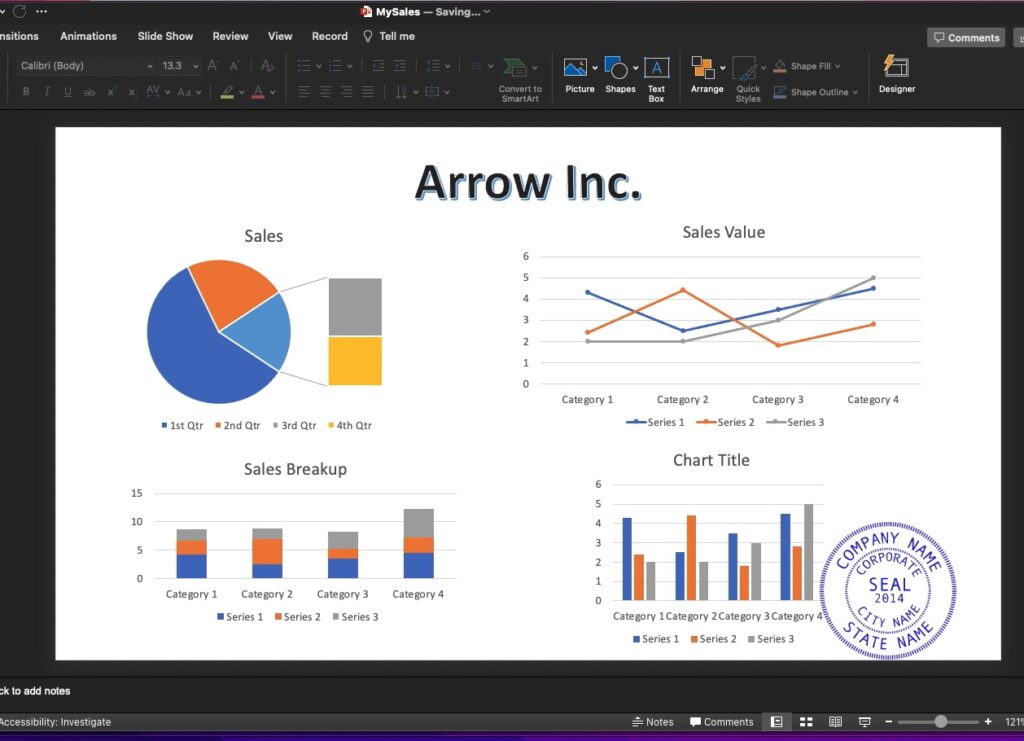
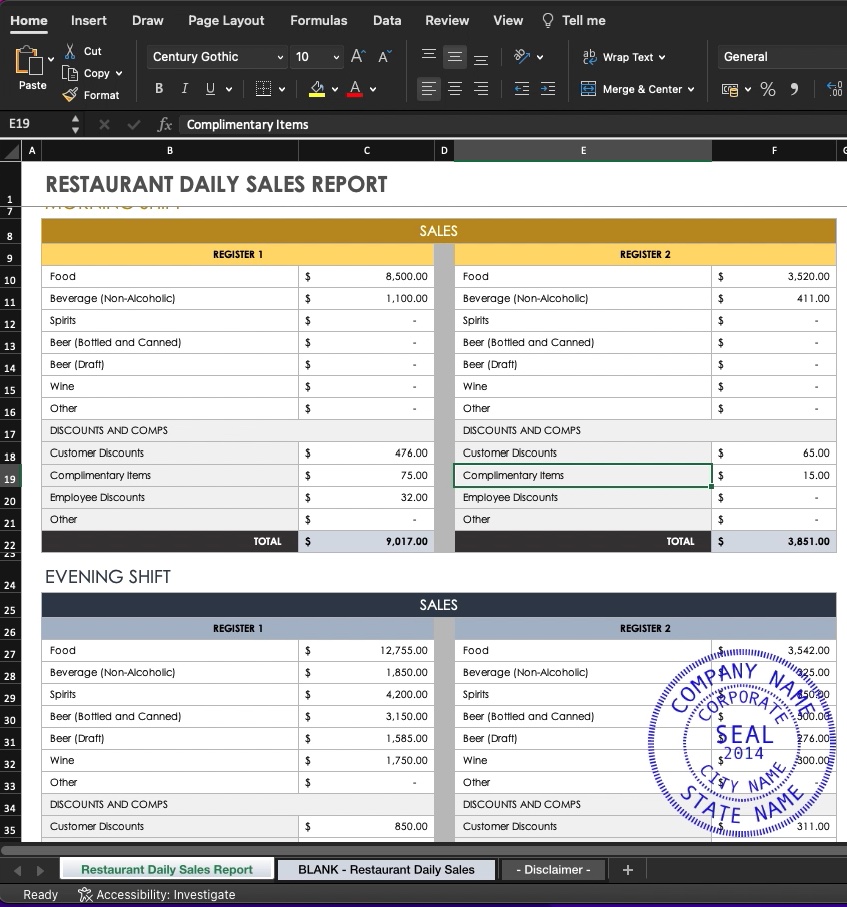


The following web app(free) will change the color of your downloaded png seal(works on normal type seal with transparent background only).
Change Seal Color
| ||||||
The following web app(free) will rotate your downloaded png seal
Rotate Seal
| ||||||
What Is a Digital Company Seal?
A digital company seal is an electronic version of a traditional rubber seal used on PDF documents, invoices, contracts, and online submissions.
Rubber Seal Alternative for Online Use
Digital seals are commonly used as a practical alternative to rubber seals when documents are created, shared, or submitted online.
Professional Digital Seal Usage
Professionals such as consultants, engineers, auditors, and freelancers use digital seals for reports, certificates, and official documents.
Country Acceptance and Usage
Digital seals are used for business and professional documents in many countries. Acceptance depends on local regulations and document requirements.
Free size & Format Conversion
After download, the digital seal can be converted to JPG, PDF, or SVG formats using Appskou’s built-in web tools. These format conversions are completely free, unlike other websites that charge separately for each file format.Size & Format Conversion is available only for Appskou Digital Seals.
Colour, Rotation, and Grunge Effects
Using Appskou’s web tools, the seal colour can be changed, the seal can be rotated, and a grunge (worn-out) effect can be applied at no extra cost.
How to use?
A digital seal can be stamped to PDF, MS WORD, Pages, Photos, Images, Email, EXCEL sheets and Power Point Slides in one click.See Instructions below for details.Go to Stamp on PDF page to stamp(free of cost) the downloaded seal on a pdf document.Watch video
SAMPLE SEALS
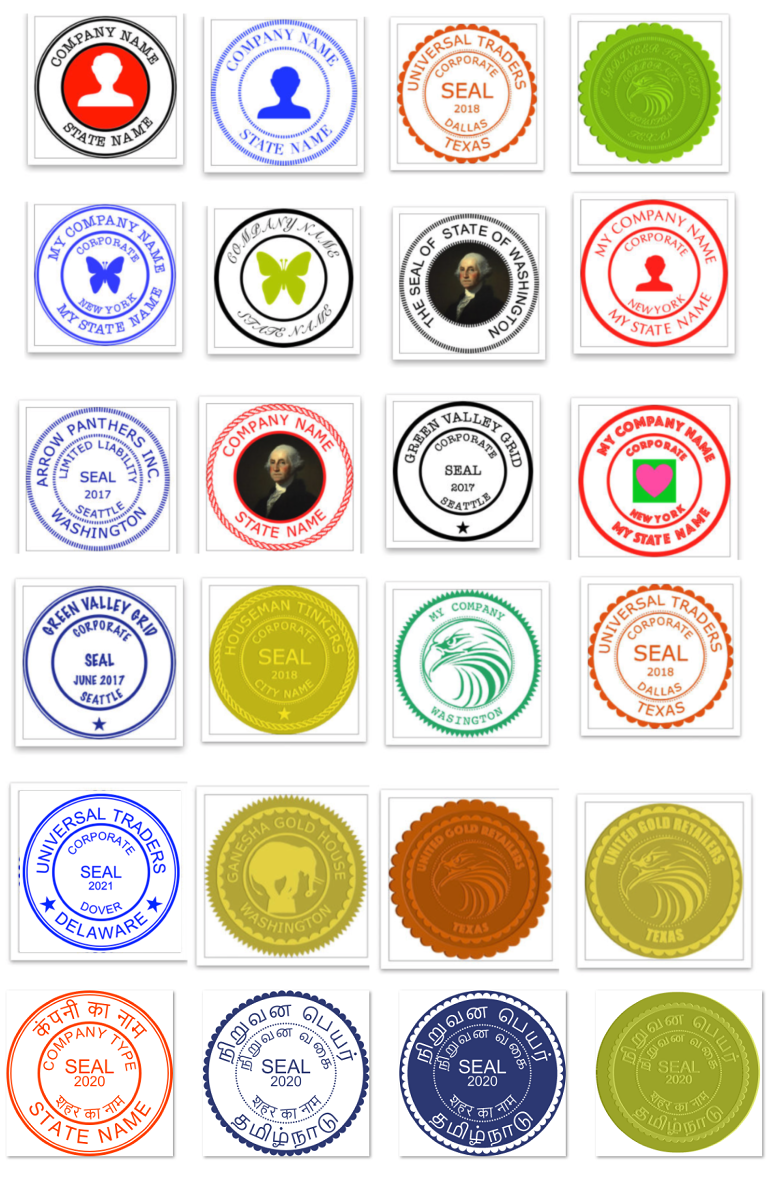
Rubber Seal vs Digital Seal – Practical Comparison
Digital seals available at Appskou can be created and downloaded within seconds, while traditional rubber seals usually take several days to order and deliver.
Digital seals also eliminate common rubber seal problems such as ink smudging, unclear impressions, and the need to scan stamped documents.
1. Ink Problems vs Ink-Free Use
Rubber Seal: Requires ink pads that dry out, leak, or stain documents.
Digital Seal: No ink required. Always clean and consistent.
2. Illegible Impressions vs Clear Output
Rubber Seal: Uneven pressure and worn rubber often make seals unreadable.
Digital Seal: Always sharp, clear, and professional.
3. Paper Dependency vs Paper-Free Documents
Rubber Seal: Works only on physical paper documents.
Digital Seal: Works directly on PDFs and online documents.
4. Scanning Required vs Direct Digital Use
Rubber Seal: Documents must be scanned after stamping.
Digital Seal: No scanning needed. Apply directly to files.
5. Days of Waiting vs Available in Seconds
Rubber Seal: Usually takes several days for design, production, and delivery.
Digital Seal (Appskou): Designed, downloaded, and ready to use within seconds.
6. Manual Process vs Instant Application
Rubber Seal: Stamp, wait to dry, scan, save, and send.
Digital Seal: Apply, save, and send instantly.
7. Wear and Tear vs Permanent Quality
Rubber Seal: Rubber degrades and needs replacement.
Digital Seal: No physical wear. Quality remains unchanged.
8. Office-Bound vs Use from Anywhere
Rubber Seal: Must be physically present at the office.
Digital Seal: Can be used from anywhere.
9. Storage Issues vs Easy Digital Storage
Rubber Seal: Can be lost, damaged, or misplaced.
Digital Seal: Stored securely as a file and easily backed up.
10. Traditional Workflow vs Modern Business Needs
Rubber Seal: Not suitable for digital workflows.
Digital Seal: Designed for modern, paperless business processes.
Download Instructions as pdf
Or
Watch Video|
Create Custom Stamps Online . Premium Company Seals in Minutes Create A New Seal:-
Watermarks will be removed after payment The seal in png format has a transparent background.This transparent BG is shown as black in some PCs.It is actually a display problem.You can use the seal image. To know more about this Black BG problem of png image files and to find a solution click here or you can search the google. Note:- Company Icon Images needs to be 1024 pt x 1024 pt image with/without transparent background. Yin/Yang(for normal type seals only): Note:- Avoid very Dark Colours for Emboss or Wax Seal types. PRIVACY POLICY:- This web site does not collect or save any user data.It is a Self Service web site. RETURNS & REFUND POLICY :- Returns and Refunds are allowed.If you have any issue please write to kalees@appskou.com or kalees36@gmail.com, quoting transaction id and proof of payment. Go to Web Stamper page to launch a browser based web stamper(free of cost)to stamp the downloaded seal on a pdf document.Google Chrome browser is recommended.Watch video.
Alternatively,Go to StampSeal App(for Windows PC or Laptop only) page to launch the app and stamp(free of cost) the downloaded seal on a pdf document as Annotation.Watch video Alternatively, Go to Paste Stamp App(for Windows PC or Laptop only) page to launch the app and paste(free of cost) the downloaded seal on a pdf document. Watch video Alternatively,if you want to use Acrobat Reader,the following web app(free) will convert your downloaded png seal to pdf seal.Watch video Alternatively , you can use MS Word to insert the seal(in front of text) to a word document. Watch Video Alternatively, you can drag and drop seal to PPT or Excel slide/sheet.You can resize it if required Watch Video Alternatively , you can stamp a digital seal on Email Watch Video Alternatively , you can use Pages(MAC OS) to insert the seal to a Pages document. Watch Video Alternatively,Go to Stamp on Image or Photo page to stamp(free of cost) the downloaded seal on a photo or image(png, jpg, etc.).Watch video |
|